


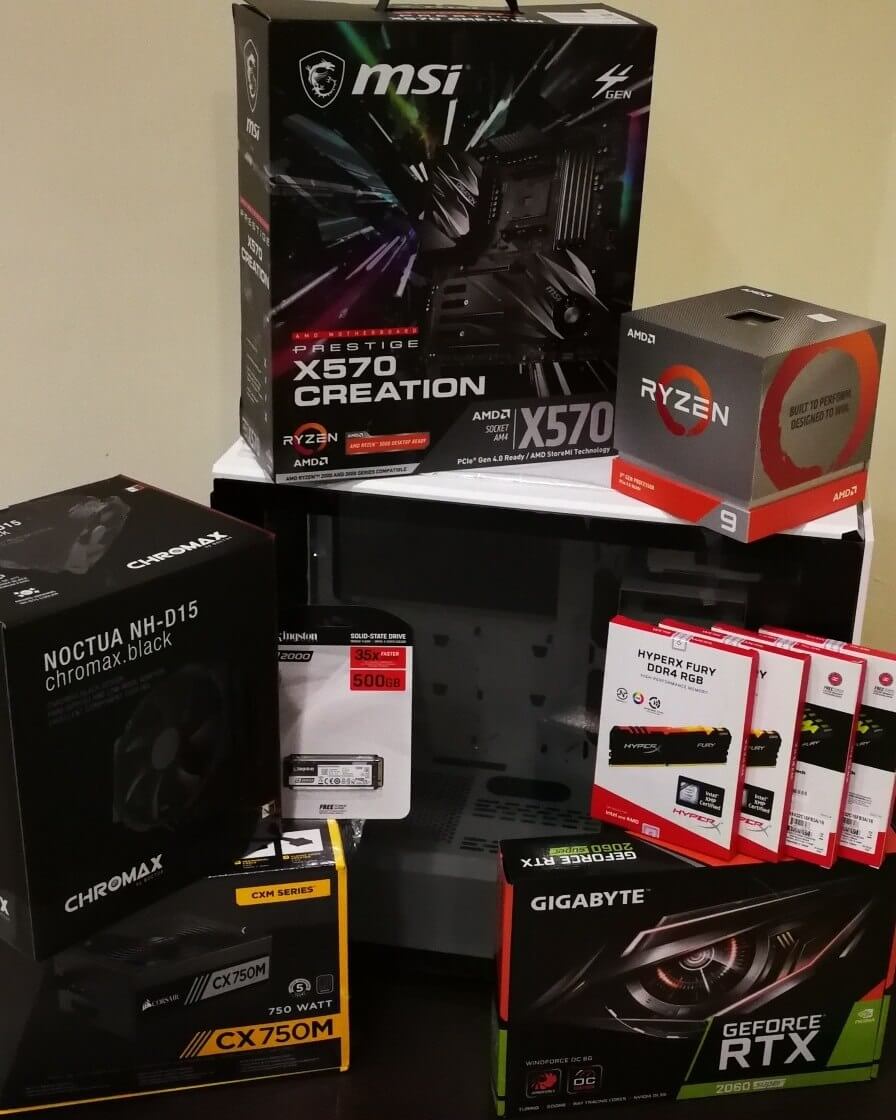
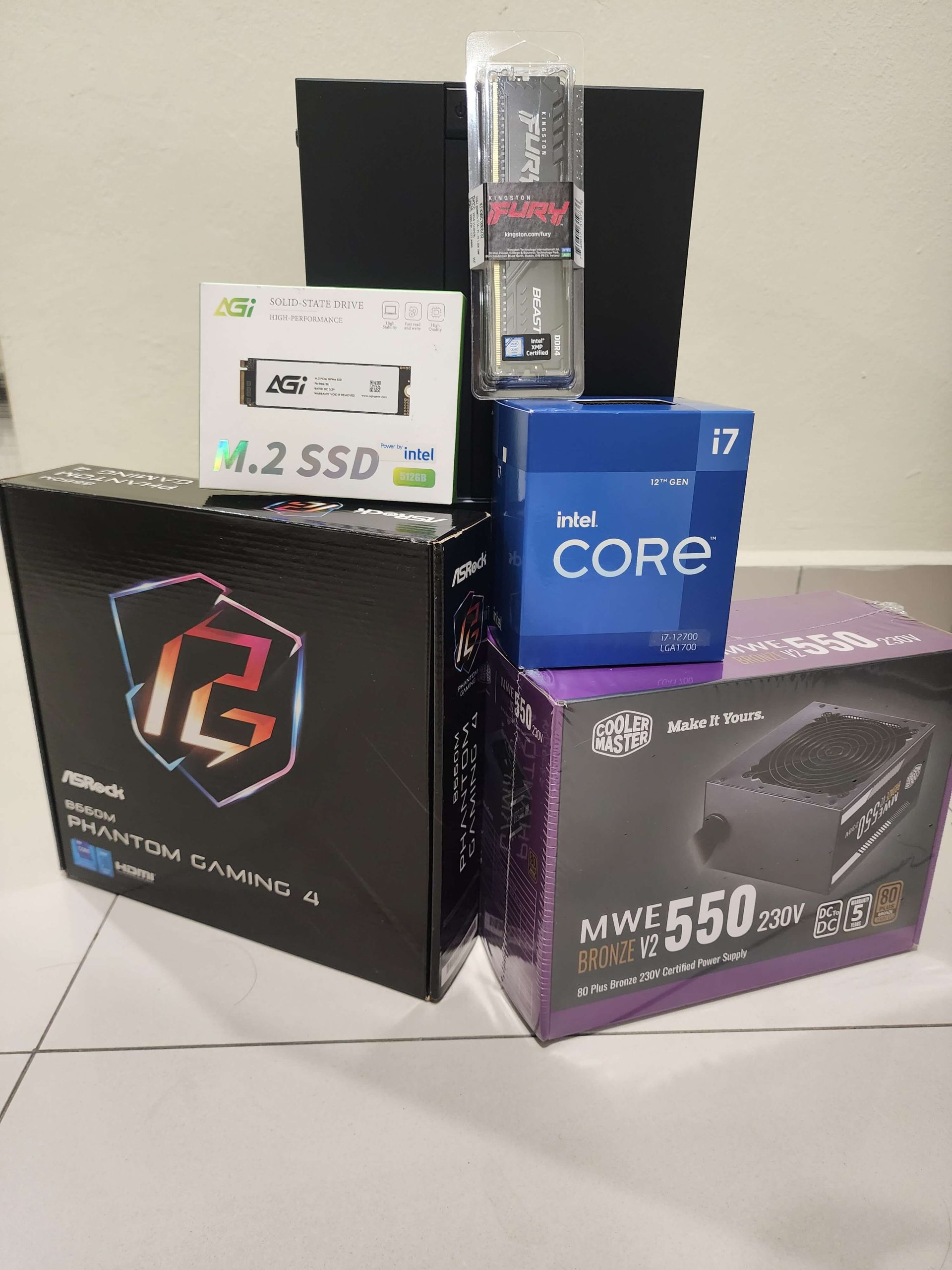
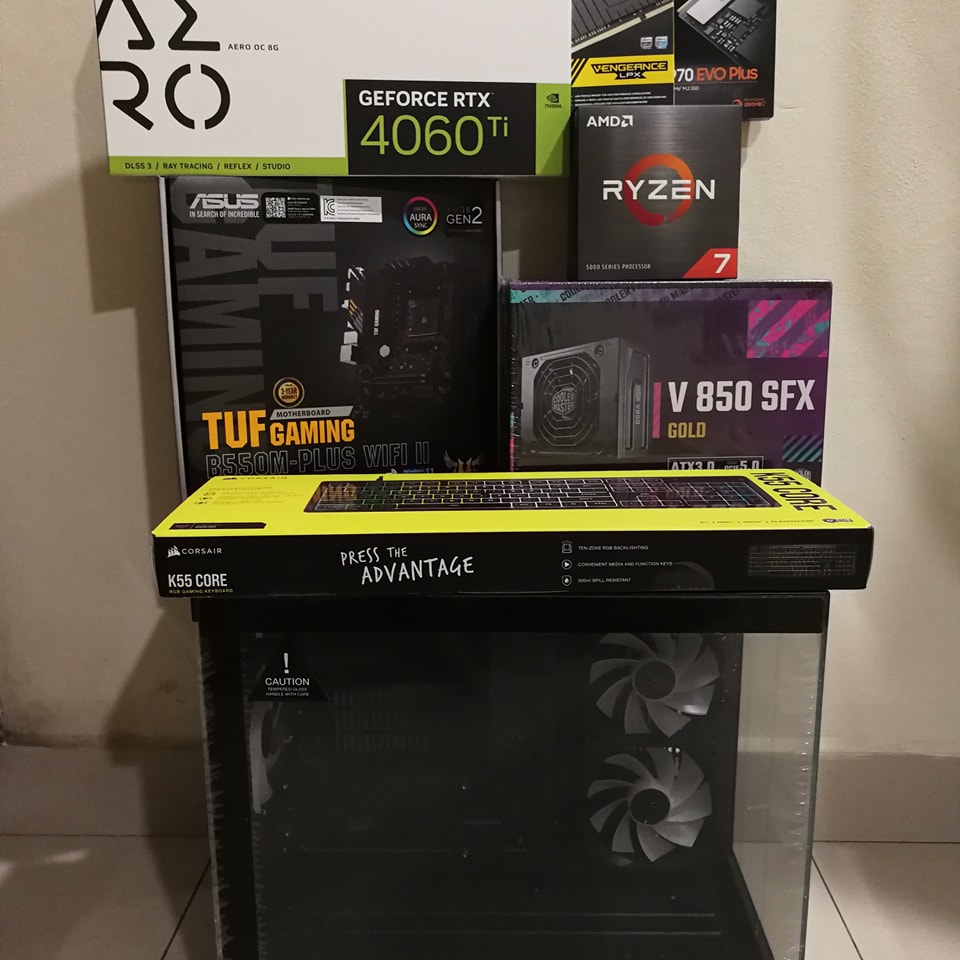
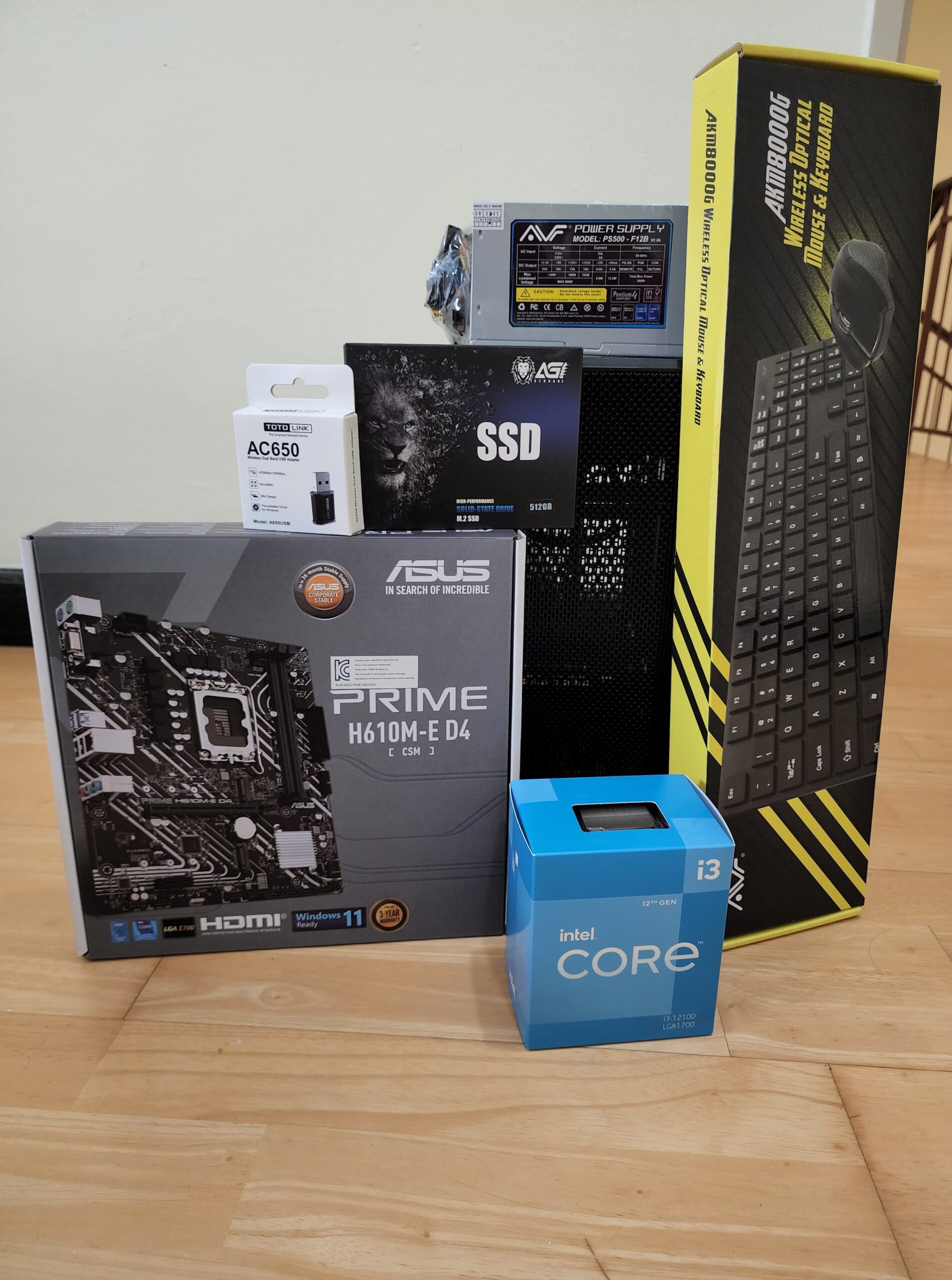
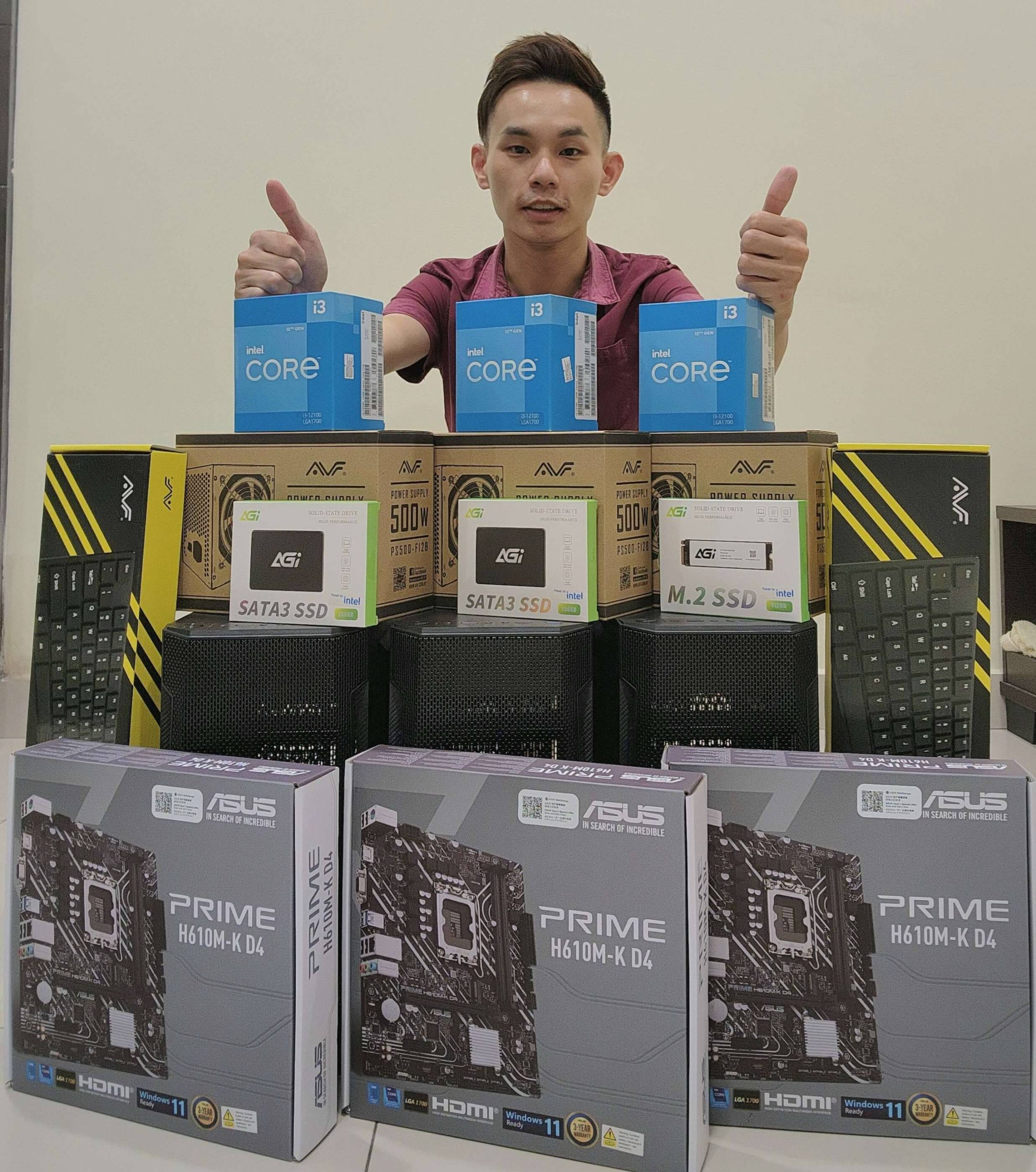

Fixing damaged or malfunctioning motherboards, or replacing them entirely for improved performance.
Replacing or repairing faulty graphics cards to restore visual performance.
Diagnosing and fixing issues with the power supply unit or replacing it if necessary.

Repairing or upgrading faulty hard drives, including transitioning to SSDs for faster performance.
Replacing or upgrading faulty RAM to improve speed and multitasking capabilities.

Repairing or replacing damaged cooling fans, heat sinks, and thermal paste to prevent overheating.
Fixing or replacing damaged USB ports, HDMI ports, and other connectivity issues.

Reinstalling the operating system or fixing software-related issues that impact the system's stability and performance.
Diagnosing and resolving issues with connected peripherals like printers, keyboards, or mice.
Fixing any physical damage to the desktop case or structural components.
